Turn your memories into puzzles.
The simplest way to create infinite jigsaw puzzles from your own photo gallery. Pick any image, choose your difficulty, and relive your favorite moments one piece at a time.
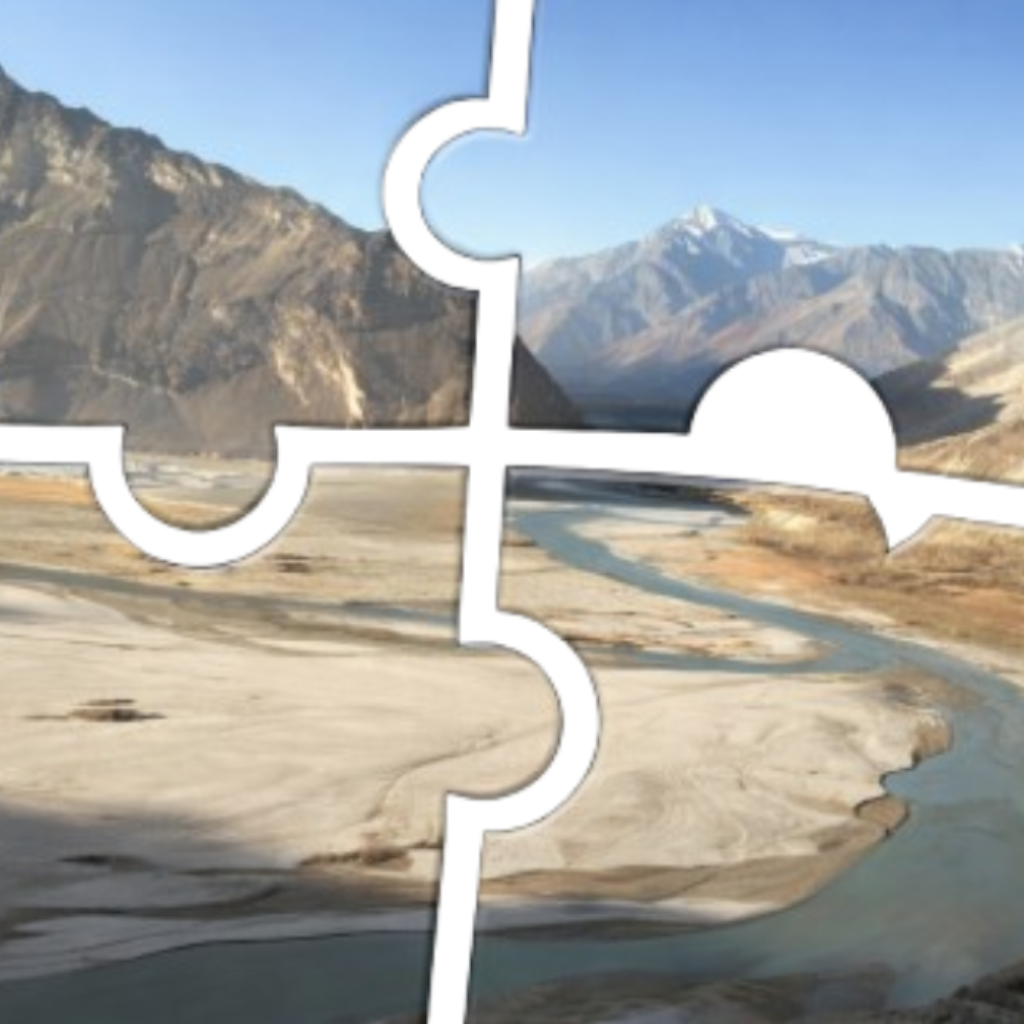
Available on iOS & Android
Designed for people who want to make memories feel tangible.
Your Photos
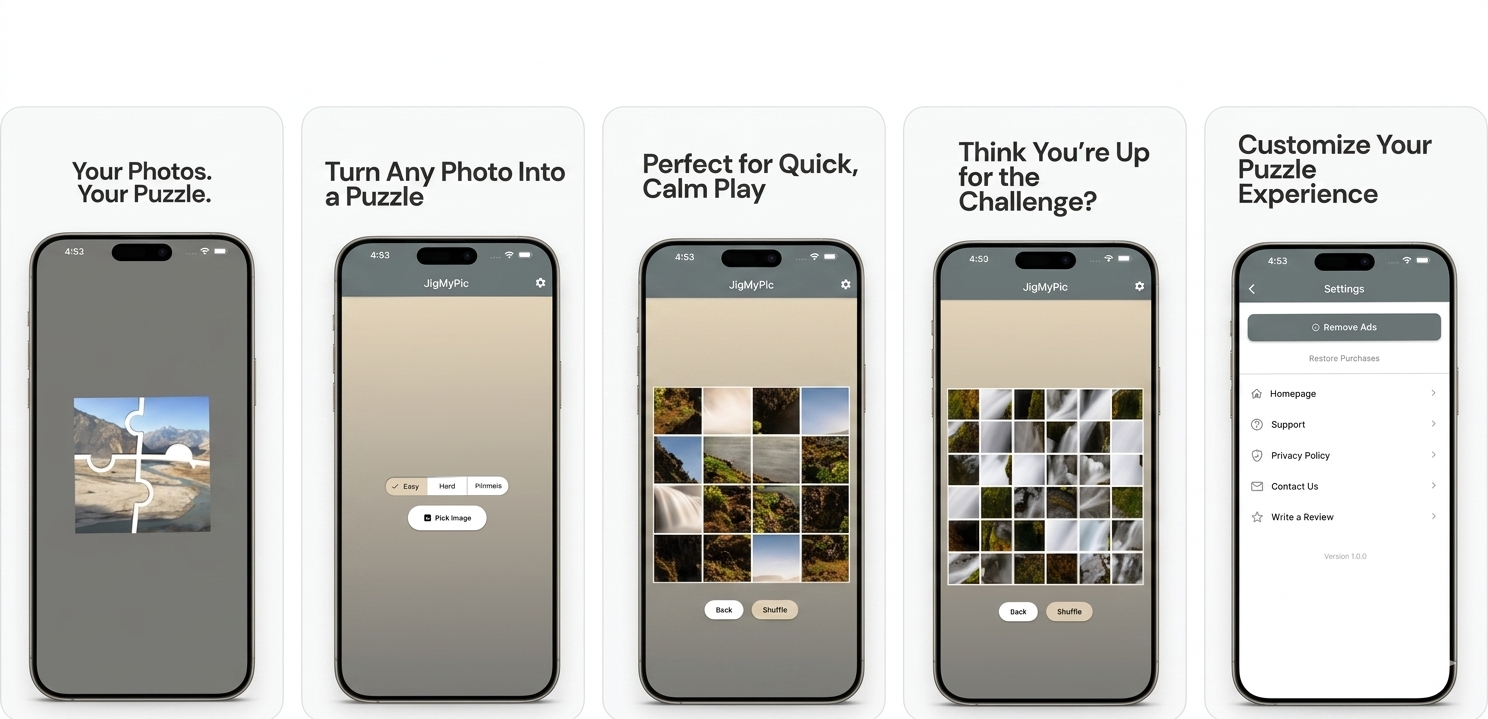
Pick any image from your gallery and instantly transform it into a puzzle.
Difficulty Levels
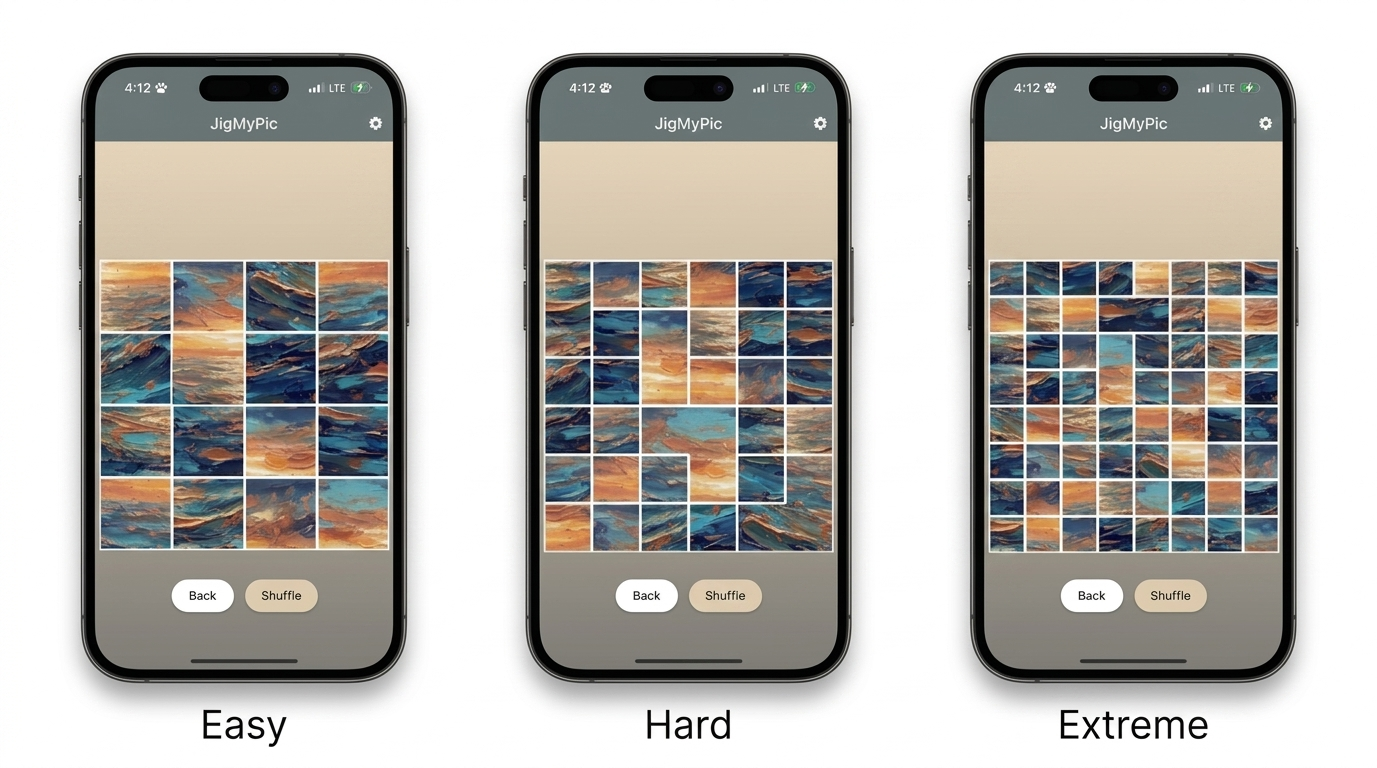
Easy (4×4), Hard (6×6), or Extreme (8×8) — you set the challenge.
Auto-Save History
Jump back into your recent puzzles with persistent local history.
Photo to Puzzle
Any image from your camera roll becomes a fully playable jigsaw puzzle in seconds. No cropping, no setup — just tap and play.
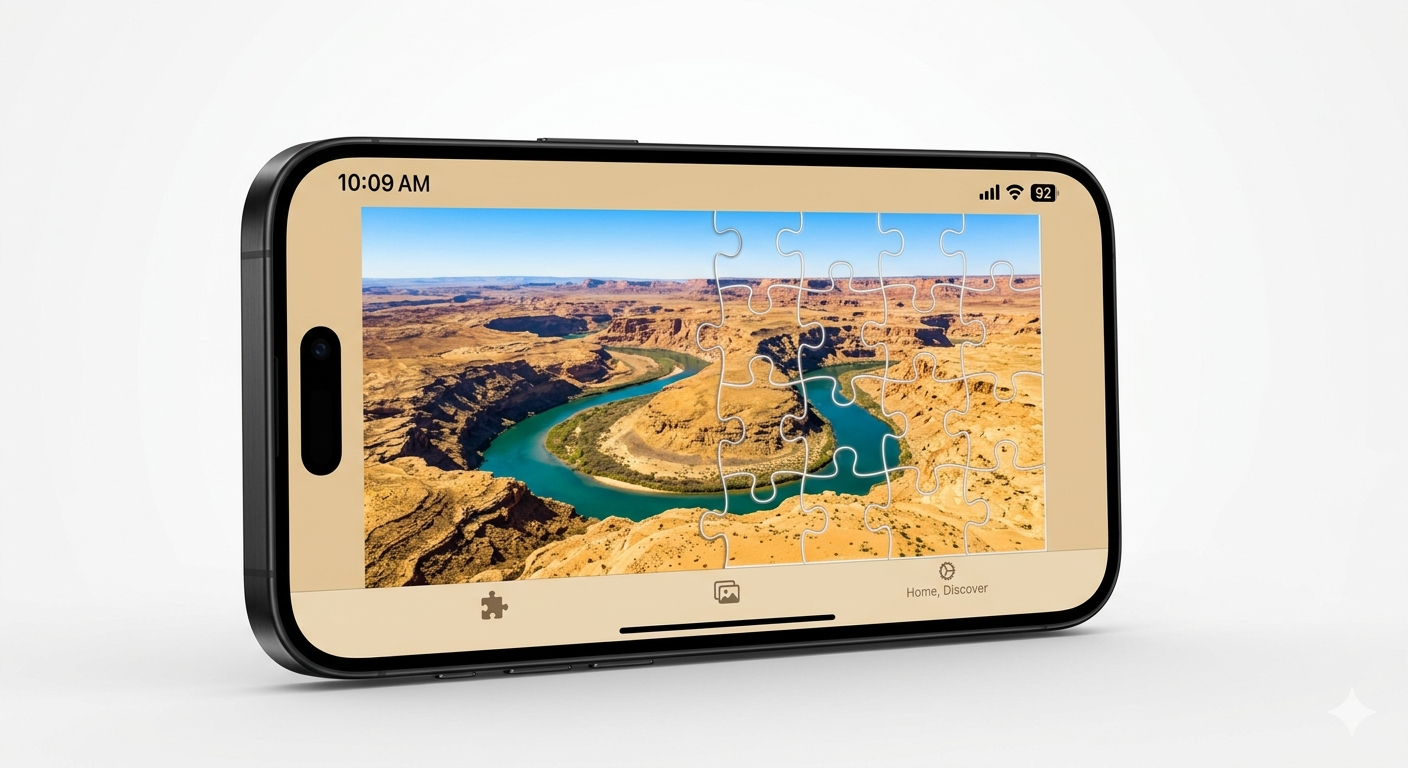
Difficulty Levels
Choose from Easy (4×4), Hard (6×6), or Extreme (8×8) grids. Whether you want a quick break or a real brain workout, JigMyPic has a mode for you.
Puzzle History
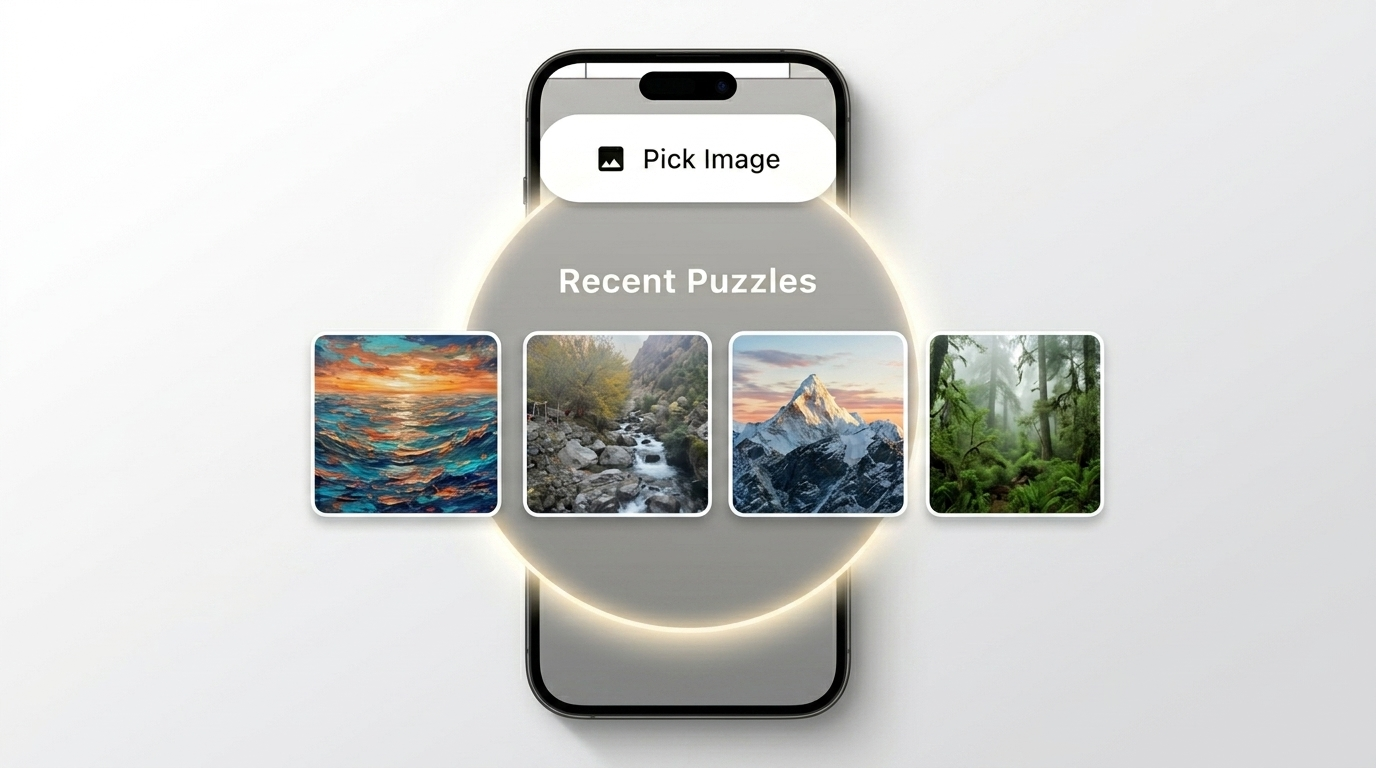
Your recent puzzles are saved automatically so you can pick up right where you left off. Long-press any puzzle to remove it from your history.
Ensure you have granted the app permission to access storage. We recently updated the app to fix persistence issues on iOS.
Long-press on any photo in your Recent Puzzles history to reveal the delete option.
Open the Settings menu in the app and tap Remove Ads to purchase the ad-free upgrade permanently.
We're here to help.
For bug reports, feature requests, or any other questions — send us an email and we'll get back to you within 24–48 hours.
Email SupportYour data, your device.
Last updated: January 2, 2026
Overview
JigMyPic respects your privacy. This policy explains how we handle your data when you use our mobile application.
Data Collection
We do not collect, store, or share your personal photo data on our servers. All puzzle images are processed locally on your device. The app saves a copy of your selected images locally ("Application Documents") solely to provide the Recent Puzzles history feature. These files remain on your device and are never transmitted to us.
Third-Party Services
We use Google AdMob to display advertisements. AdMob may collect data to provide personalised ads. For more information, review Google's Privacy Policy at policies.google.com/privacy.
Permissions
Photo Gallery — required to allow you to select images for puzzles. Advertising ID — used by Google AdMob for ad delivery.
Contact
Questions about this Privacy Policy? Email us at hello@uvapps.com.